
Getting started with your Syslogic AI embedded computer
To help you get up and running quickly, we have compiled the most important information about your device on this page. We wish you a lots of success with your new AI embedded computer!
FAQ

To help you get up and running quickly, we have compiled the most important information about your device on this page. We wish you a lots of success with your new AI embedded computer!
FAQ
The product manual for your device is available for download on the Syslogic SharePoint
Password: wIgHwvPVhm1
To power up your AI embedded computer you need to connect the power supply to the pins 2,4 (+Power) and 1,3 (GND) on the M12 connector.
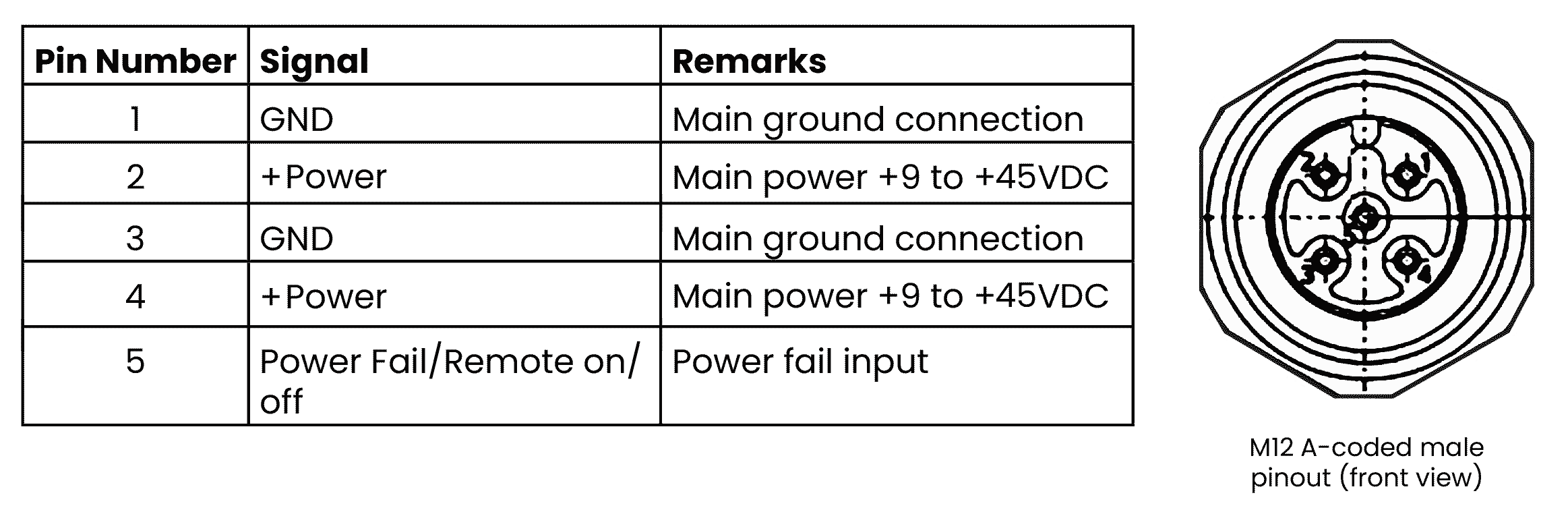
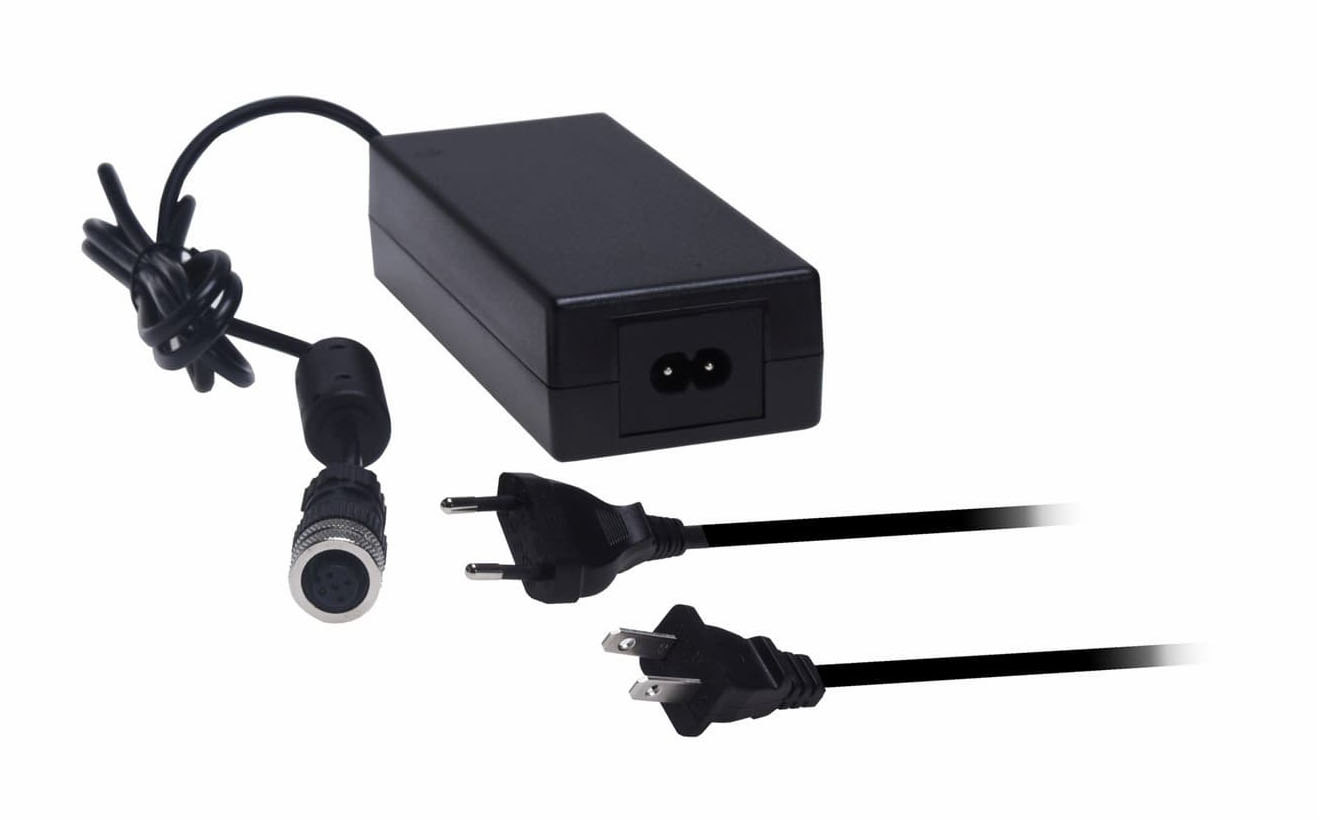
For getting started quickly we provide a AC/DC power supply
The device is already flashed with NVIDIA‘s Jetpack, so you are ready to boot up and log in:
username: nvidia
password: nvidia
NVIDIAs Jetpack is slightly modified to accomodate our Hardware. If you would like to re-flash Jetpack, follow these instructions
Attention: Using the SDK manager and NVIDIAs standard image will result in a device that won‘t boot!
Download the Jetpack for your Syslogic AI Computer from the download section here
Password: wIgHwvPVhm1
Should you have any questions regarding your new Syslogic AI embedded computer, take a look at our FAQ
If you can‘t find an answer we are happy to assist you personally: